Primitive Obsession#
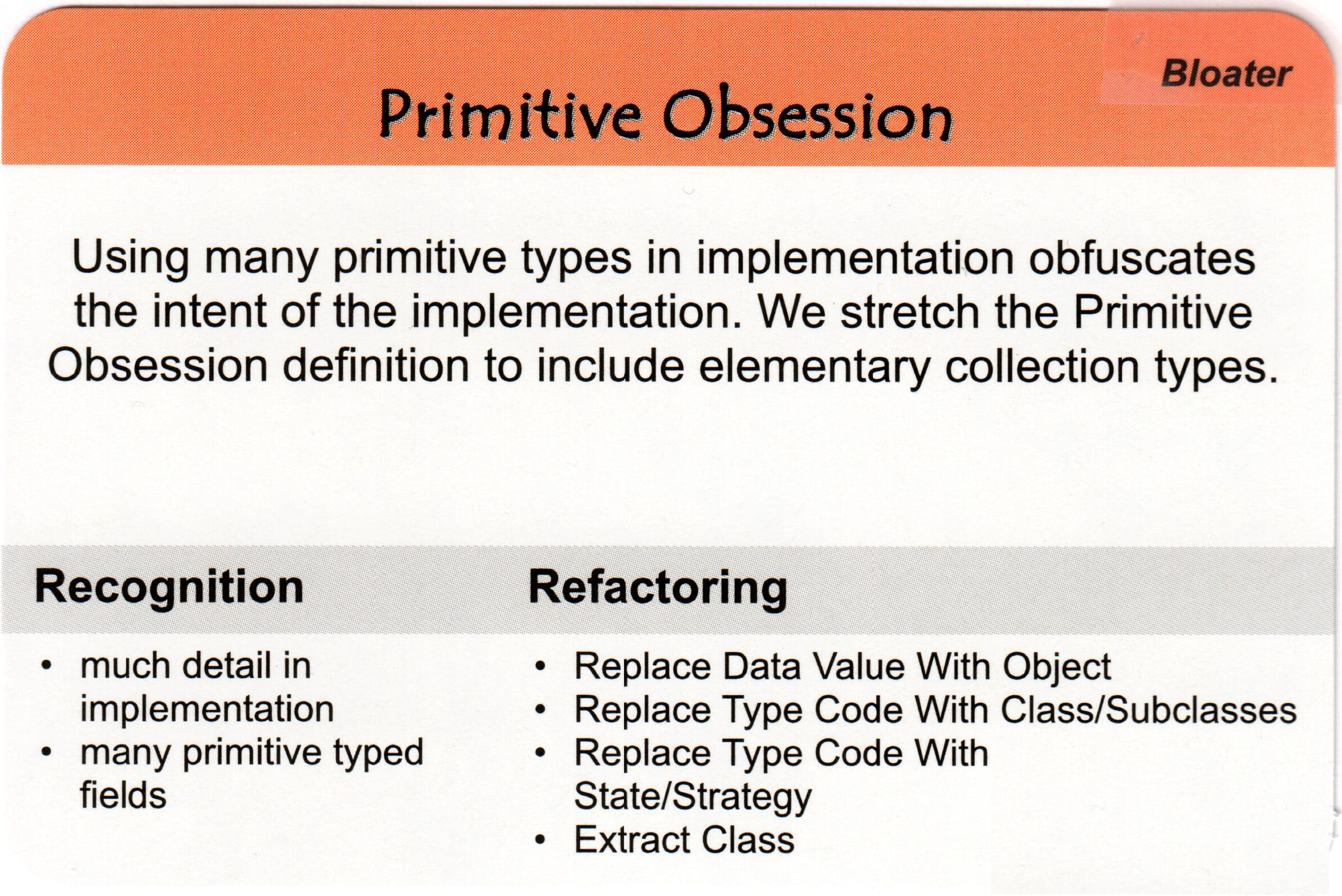
“Primitive Obsession” is an anti-pattern in software development where developers excessively use primitive data types, such as integers, strings, or booleans, to represent domain concepts instead of creating custom objects or classes. It often leads to code that is difficult to maintain, understand, and extend, as well as making it prone to errors and bugs. The overuse of primitives can result in scattered logic and lack of encapsulation, making the codebase less robust and less adaptable to changes.
Note that most of the time
example of “Primitive Obsession” in Python related to handling geometric shapes like circles:
 # Using primitives to represent a circle
 circle_radius = 5.0
 circle_x = 10.0
 circle_y = 15.0

 def calculate_circle_area(radius):
     '''Function to calculate the area of the circle'''
     return 3.14159 * radius * radius

 def is_point_inside_circle(x, y, circle_x, circle_y, radius):
     '''Function to check if a point is inside the circle'''
     distance_squared = (x - circle_x) ** 2 + (y - circle_y) ** 2
     return distance_squared <= radius * radius
In this wrong example, we are using individual primitive variables (circle_radius, circle_x, circle_y) to represent a circle. The functions calculate_circle_area and is_point_inside_circle operate on these individual primitives, which makes the code harder to understand and maintain as it lacks the abstraction of a circle object.
 import math

 class Circle:
     def __init__(self, x, y, radius):
         self.x = x
         self.y = y
         self.radius = radius

     def area(self):
         return math.pi * self.radius * self.radius

     def is_point_inside(self, x, y):
         distance_squared = (x - self.x) ** 2 + (y - self.y) ** 2
         return distance_squared <= self.radius * self.radius
In the corrected example, we define a custom Circle class encapsulating all relevant properties and behavior related to a circle. The class has methods like area() and is_point_inside() that operate on the circle’s attributes, making the code more organized and easier to understand.
With this improved design, we can now create and use Circle objects directly:
 # Create a Circle object
 circle1 = Circle(x=51.0, y=42.0, radius=6.66)

 # Calculate the area of the circle
 print("Area of circle1:", circle1.area())

 # Check if a point is inside the circle
 print("Is point (12, 16) inside circle1?", circle1.is_point_inside(12, 16))