Data Clumps#
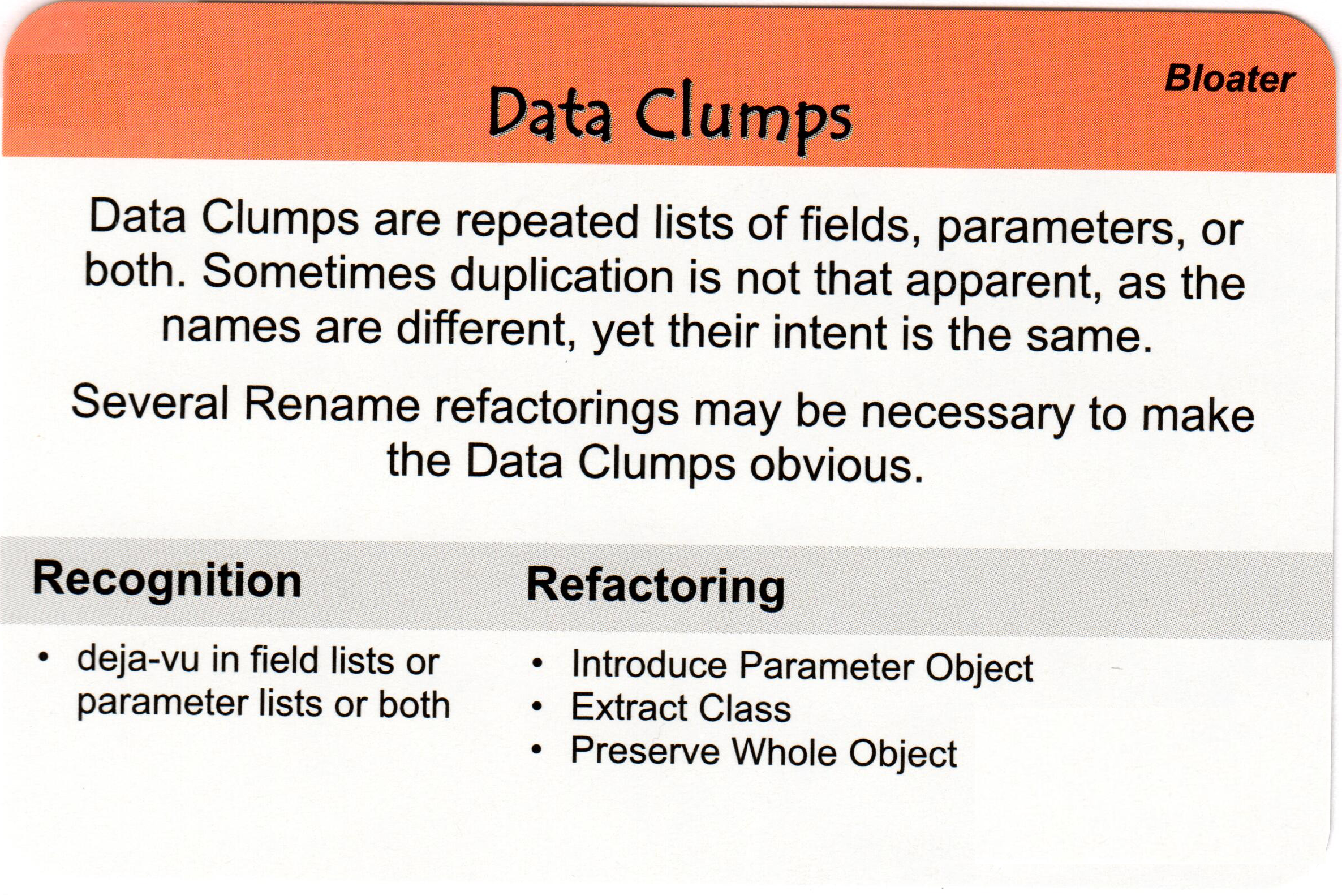
Data clumps refer to occurrences where groups of variables or data elements are frequently found together throughout the code. These elements are often passed around together as parameters to functions or methods or accessed together in various parts of the code.
Data clumps are a code smell or a potential indicator of poor code organization and design. They suggest that the related data elements should be grouped together in a more cohesive manner, such as by encapsulating them within a class or data structure.
The presence of data clumps can lead to several problems:
Code duplication: If the same group of data elements is repeatedly used together in different parts of the code, it can lead to redundant code and increase the chances of errors or inconsistencies if the data needs to be modified.
Decreased maintainability: When data elements are scattered throughout the code, it becomes harder to locate and modify them when necessary. This can result in maintenance challenges and make the code more fragile.
Reduced readability: Code that contains data clumps can be more difficult to read and understand, as the relationships between the data elements are not explicitly represented. It can make the code less intuitive and increase the cognitive load for developers.
By refactoring code that exhibits data clumps, developers can improve code organization, reduce duplication, enhance maintainability, and make the code more readable. Encapsulating related data elements within a separate class or data structure helps eliminate data clumps and promotes better code design and modularity.
 def print_student_details(name, age, address, phone_number):
      print(f"Name: {name}")
      print(f"Age: {age}")
      print(f"Address: {address}")
      print(f"Phone Number: {phone_number}")

 if __name__ == "__main__":
      print_student_details("Foo Bar", 20, "10 Downing Street", "555-123-4567")
 class Student:
    def __init__(self, name, age, address, phone_number):
        self.name = name
        self.age = age
        self.address = address
        self.phone_number = phone_number

    def __str__(self):
        return(f"Name: {self.name}\nAge: {self.age}\nAddress: {self.address}\nPhone Number: {self.phone_number}")

 if __name__ == "__main__":
        student = Student("Foo Bar", 20, "10 Downing Street", "555-123-4567")
        print(student)
“Data clumps” refer to occurrences where groups of variables or data elements are frequently found together throughout the code. This often indicates that these elements should be grouped together in a separate class or data structure to improve code organization and maintainability. Here’s another example:
 def calculate_area(length, width, height):
     volume = length * width * height
     perimeter = 2 * (length + width)
     surface_area = 2 * ((length * width) + (length * height) + (width * height))

 # Rest of the code...

 if __name__ == "__main__":
     calculate_area(5, 4, 3)
 // Original code with data clumps
public class Rectangle {
    public double calculateArea(double length, double width) {
        double perimeter = 2 * (length + width);
        double surfaceArea = length * width;

        // Rest of the code...

        return surfaceArea;
    }

    // Other methods...

    public static void main(String[] args) {
        Rectangle rectangle = new Rectangle();
        double area = rectangle.calculateArea(5, 4);
    }
}
class Shape:
    def __init__(self, length, width, height):
        self.length = length
        self.width = width
        self.height = height

    def calculate_volume(self):
        return self.length * self.width * self.height

    def calculate_perimeter(self):
        return 2 * (self.length + self.width)

    def calculate_surface_area(self):
        return 2 * ((self.length * self.width) + (self.length * self.height) + (self.width * self.height))

# Rest of the code...

if __name__ == "__main__":
    shape = Shape(5, 4, 3)
    print(shape.calculate_volume())
    print(shape.calculate_perimeter())
    print(shape.calculate_surface_area())
  // Refactored code with Shape class
  public class Shape {
      private double length;
      private double width;
      private double height;

      public Shape(double length, double width, double height) {
          this.length = length;
          this.width = width;
          this.height = height;
      }

      public double calculateVolume() {
          return length * width * height;
      }

      public double calculatePerimeter() {
          return 2 * (length + width);
      }

      public double calculateSurfaceArea() {
          return 2 * ((length * width) + (length * height) + (width * height));
      }

      // Other methods...

      public static void main(String[] args) {
          Shape shape = new Shape(5, 4, 3);
          System.out.println(shape.calculateVolume());
          System.out.println(shape.calculatePerimeter());
          System.out.println(shape.calculateSurfaceArea());
      }
  }
In the refactored code, the Shape class is introduced to encapsulate the length, width, and height properties. This eliminates the data clumps by grouping related data and functions together. It also enables cleaner code and improves readability by providing a clear context for the calculations.
When related data elements are frequently found together in multiple places throughout the code, it indicates a potential problem. It suggests that these data elements should be grouped together in a separate class or data structure to promote better organization and encapsulation.
In the original code example, the length, width, and height variables are passed as separate parameters to the calculate_area function. This creates a data clump because these variables are closely related and often used together. As a result, the code becomes less readable, harder to understand, and more error-prone.
By refactoring the code and introducing a separate class (Shape in the examples), the related data elements (length, width, and height) are encapsulated within the class. This promotes better organization and encapsulation of the data, making the code more modular and maintainable. It also allows for clearer context when performing calculations and avoids the need to pass multiple parameters around.